Explore the world

Gameplay tips

Chinese original (translation pending) 世界地图、快速移动、帐篷与传送的使用方法。

Research steps

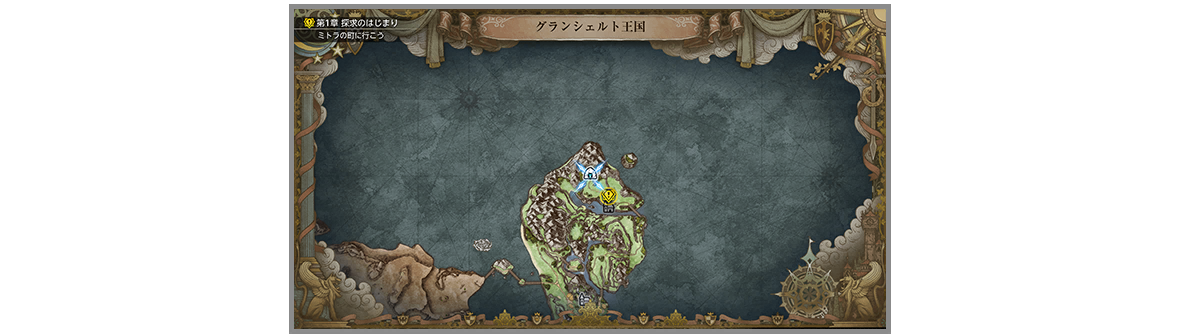
  1. Map Press to open the world map. From it, you can check your current location and destination.
    Game image
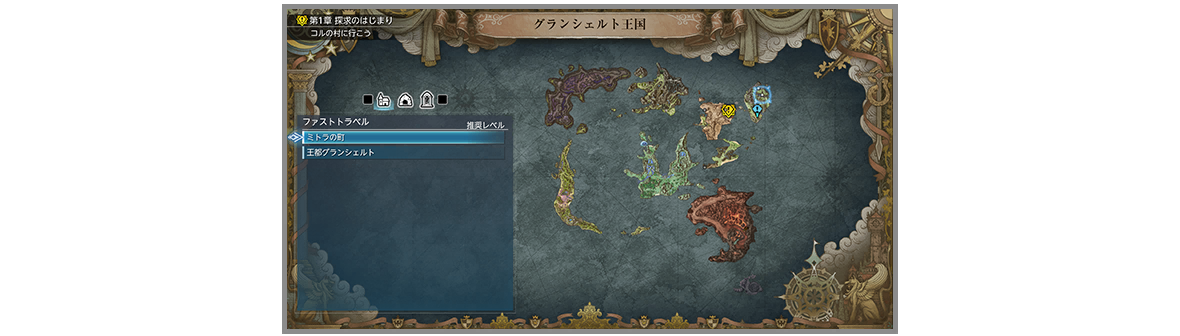
  2. Fast Travel You can travel instantaneously to any place you have previously visited by selecting it from the Map screen in the Main Menu. Note that you cannot Fast Travel from inside dungeons.
    Game image
  3. Tents Using a tent at a save point will fully restore HP and MP of all party members. Tents can also be used anywhere on the field map.
    Game image
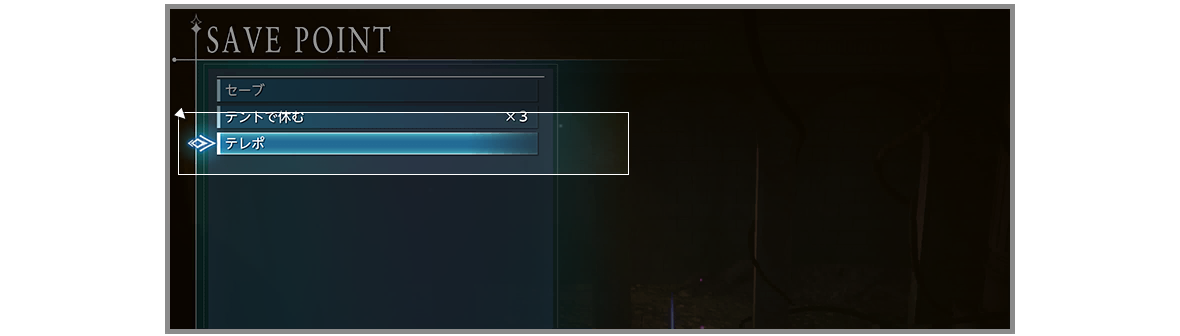
  4. Teleport Teleport can be used at certain save points. When used, you can instantaneously travel between a save point at a dungeon’s entrance and one at its deepest point.
    Game image
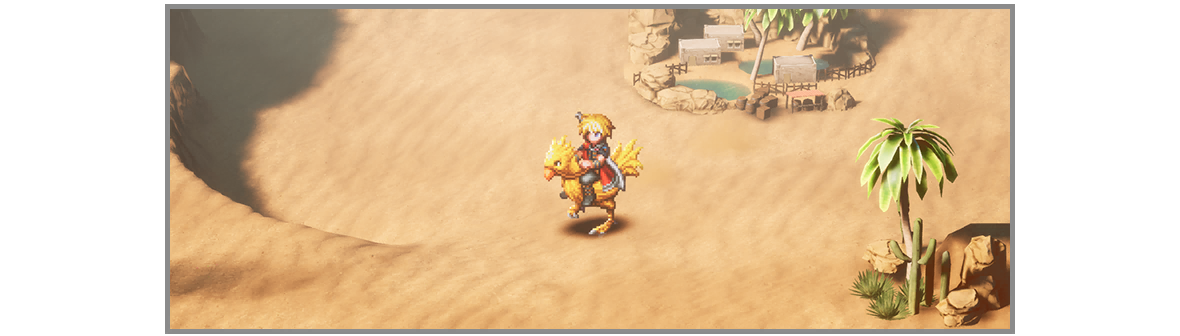
  5. Chocobos Congratulations! You have obtained a chocobo. Press while on the field map to summon it for swift travel. Should your destination ever feel far away, just call for your chocobo.
    Game image
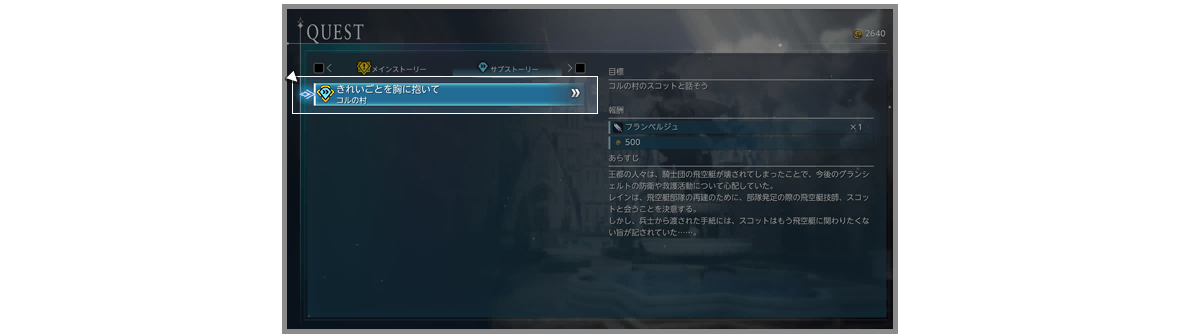
  6. Tracking Quests The Track Quest feature can help you keep your objectives focused when accepting multiple quests. Try tracking a particular quest you want to pursue, either by selecting the shortcut when you accept a quest, or by selecting Quests from the Main Menu. When a quest is tracked, the next objective will always be displayed, along with a marker on the map showing you where to go next.
    Game image
Gameplay tips

Direct answer

Chinese original (translation pending) 世界地图、快速移动、帐篷与传送的使用方法。