Explore the world

Getting started

Chinese original (translation pending) 移动、冲刺、小地图与主菜单的操作方法。

Research steps

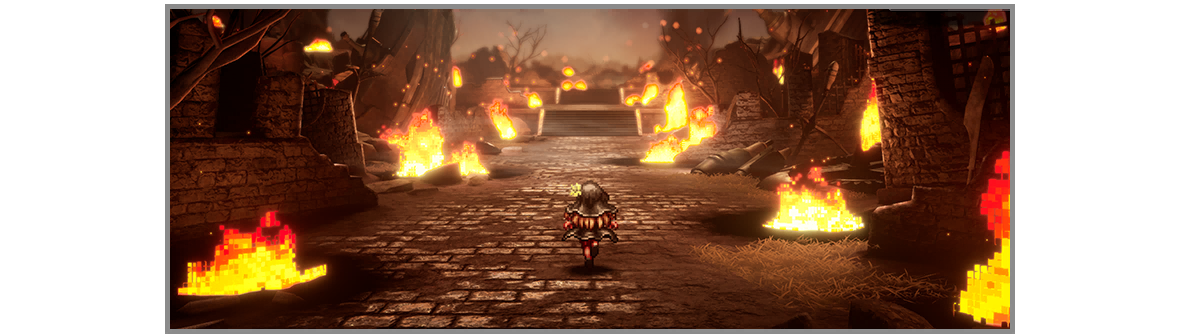
  1. Move/Sprint Use to move, and press to sprint. You can choose between three dash control schemes from the Sprint Type setting under Options in the System menu.
    Game image
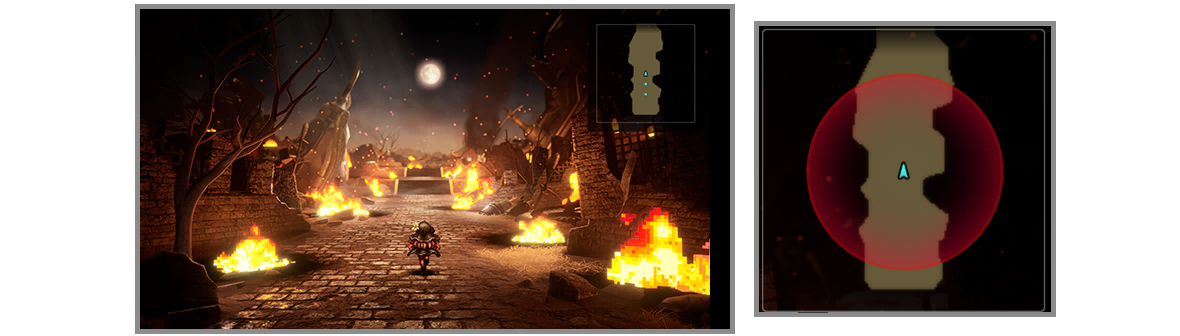
  2. Mini-Map A mini-map showing information about the current location and direction headed is displayed in the upper right-hand corner of the screen. The sensor will turn red when an enemy encounter is imminent.
    Game image
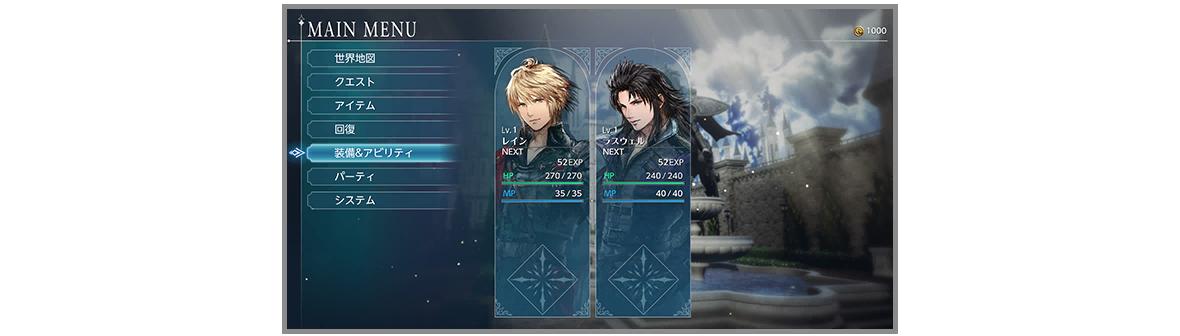
  3. Main Menu Press to open the Main Menu and access various game features. For example, selecting Recovery will let you use items and skills to recover your party members’ health.
    Game image
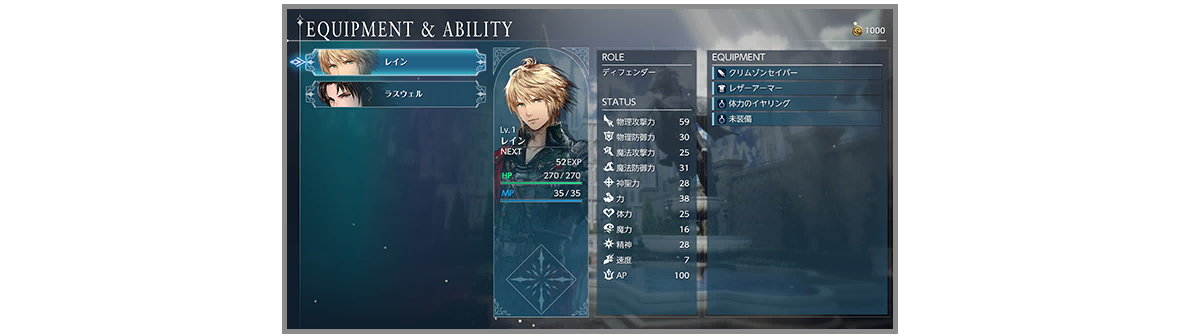
  4. Other Sections The Equipment & Abilities screen lets you view and change your party members’ weapons and armor. To review previous tutorials at any time, select System, then Help.
    Game image
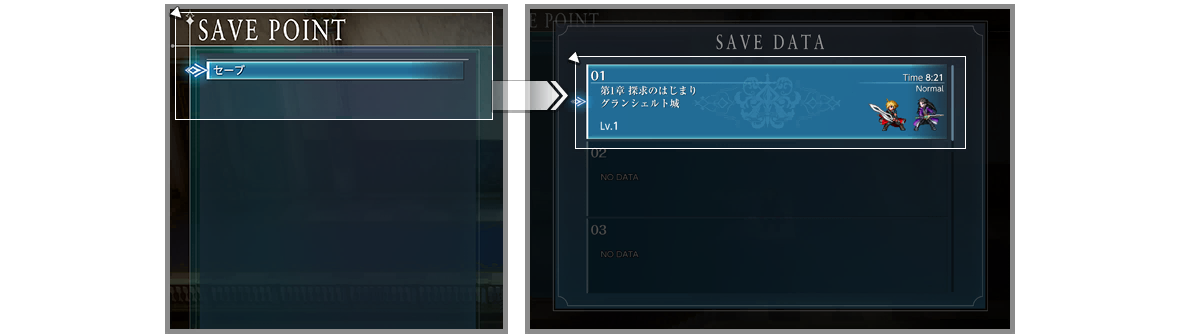
  5. Saving Progress At the save points found in towns and dungeons, you can record your progress. (On the field map, you can save at any time.) For your peace of mind, be sure to save early and often.
    Game image
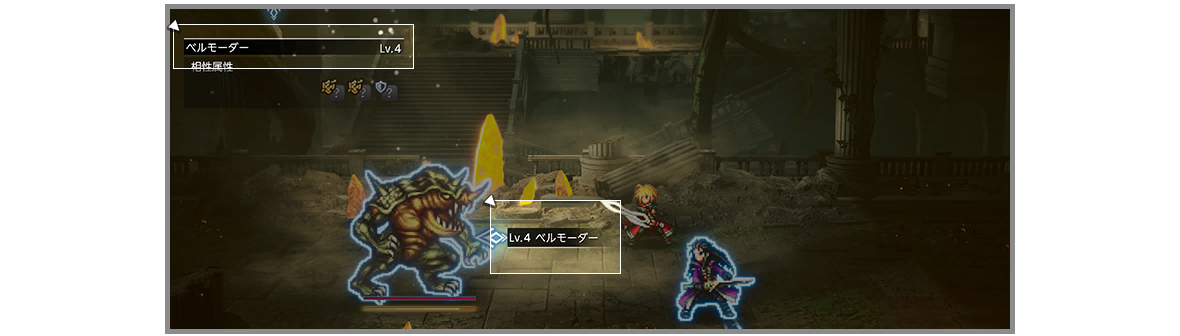
  6. Enemy Levels Enemies also have levels, with higher-level enemies being more difficult to stagger. If you are having trouble staggering an enemy, check to see how your level compares to theirs. If your level is lower, try raising it before taking on that foe again.
    Game image
Getting started

Direct answer

Chinese original (translation pending) 移动、冲刺、小地图与主菜单的操作方法。